Preview
Review the resource before downloading
Overview
What this template helps you solve
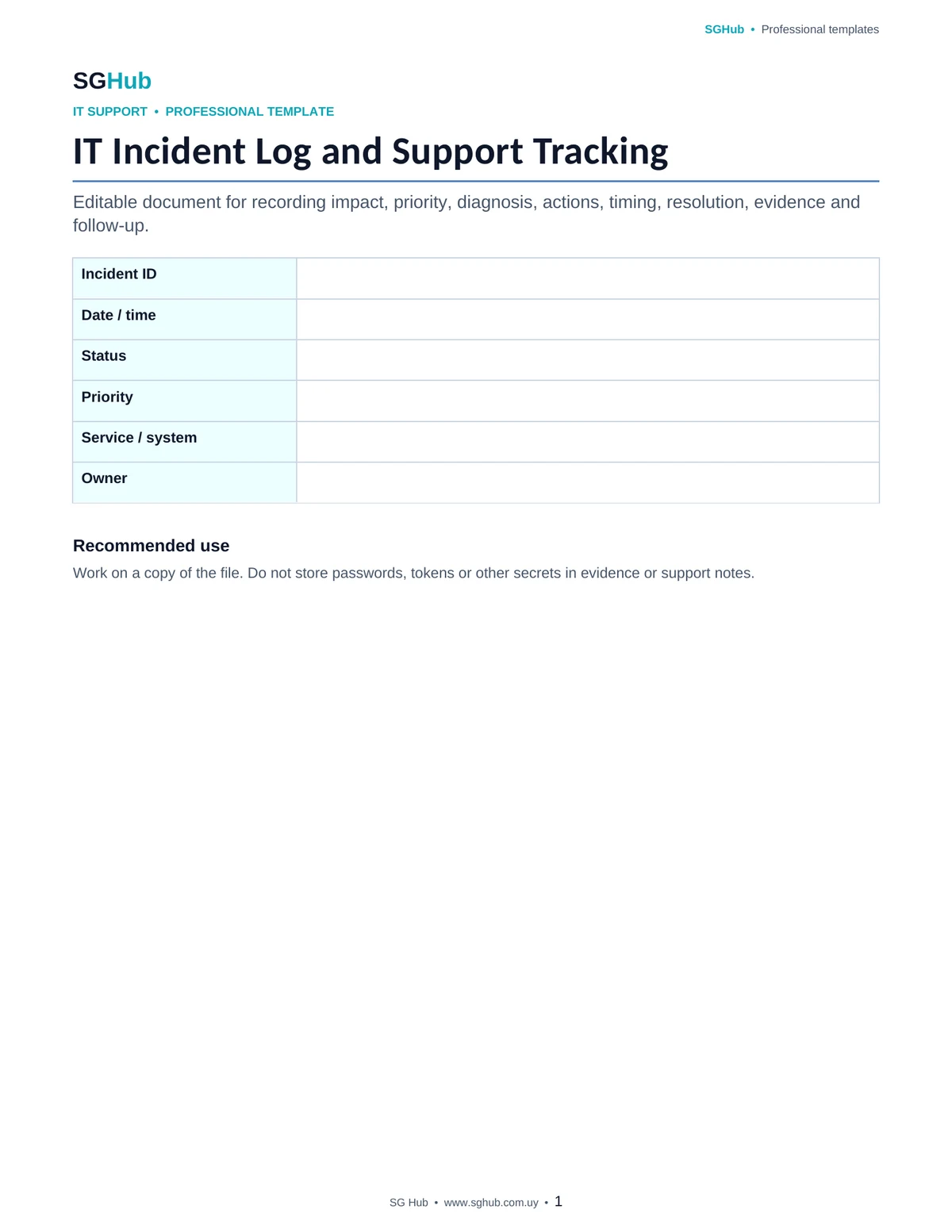
This template is designed to centralize the full lifecycle of an IT incident from the initial report through closure and follow-up. It helps document what happened, who was affected, the operational impact, the diagnosis performed, the actions taken and how the issue was resolved. It also preserves evidence and decisions that can support future incidents, trend analysis, escalation and continuous improvement of support services.
Audience
Who is it for?
- ✓IT support and help desk teams that record incidents and technical requests.
- ✓Application and production support analysts who need to document diagnosis and resolution.
- ✓System, infrastructure and network administrators involved in operational incidents.
- ✓Development teams that receive escalated incidents from support.
- ✓Service Managers and operations leads who need visibility into impact, timing and recurrence.
- ✓Small businesses and internal teams that want a more professional way to track technical issues.
Contents
What is included
- ✓Incident identifier, date, time and status.
- ✓Affected user, department, client or service.
- ✓Category, subcategory and report source.
- ✓Initial incident description and observed symptoms.
- ✓Operational impact and scope of the issue.
- ✓Assigned priority or severity.
- ✓Environment, application, device or system involved.
- ✓Initial diagnosis and probable cause.
- ✓Analysis and resolution actions performed.
- ✓Owners and participating teams.
- ✓Escalations and external dependencies.
- ✓First response, handling and resolution times.
- ✓Applied solution and final result.
- ✓Evidence, logs, screenshots or references.
- ✓Follow-up actions and recurrence prevention.
Application
When to use this template
Record incidents reported by users to a help desk.
Document application, service, access, infrastructure or device failures.
Track production incidents that require participation from multiple teams.
Preserve diagnosis and resolution history for recurring problems.
Record escalation to development, vendors, infrastructure or security.
Measure incident response and resolution times.
Identify trends and categories generating the highest support volume.
Document post-closure actions intended to prevent recurrence.
Step by step
How to use it
Step 1
Assign a unique incident identifier and record the date, time, affected user or service.
Step 2
Describe the observed symptoms using concrete information and avoid assuming a cause before analysis.
Step 3
Classify the incident by category, impact, priority or severity using your organization’s criteria.
Step 4
Record the environment, application, version, device or component involved when relevant for reproducing the issue.
Step 5
Document checks performed and the diagnosis as the investigation progresses.
Step 6
Record each important action, owner and result to maintain traceability during the incident.
Step 7
If escalation is required, identify the team or vendor receiving the case and the information provided.
Step 8
Document the applied solution, validate the outcome with the affected user or service and record the final result.
Step 9
Calculate or record first response and resolution times when relevant for SLA or operational analysis.
Step 10
Before closure, identify follow-up, documentation or prevention actions if the incident may recur.
Customization
How to adapt it to your situation
- ✓Adapt priority, severity, statuses and categories to the levels used by your help desk or ITSM process.
- ✓Add SLA, ticket number or source system fields if you use Jira, ServiceNow, GLPI, Zendesk or another platform.
- ✓Include application, server, database or environment fields when working with production support.
- ✓For critical incidents, add a detailed timeline with time, action, owner and result.
- ✓If post-incident analysis is required, include fields for root cause, related problem and preventive action.
Important
What to review before using it
- ✓Keep observed symptoms separate from diagnosis: recording an unconfirmed cause as fact can mislead the investigation.
- ✓Priority should consider impact and urgency, not only the perception of the person reporting the incident.
- ✓Documenting actions during the incident supports escalation, shift handover and later analysis.
- ✓Do not include passwords, tokens, private keys or other secrets in evidence, logs or support notes.
Avoid these
Common mistakes
- ✓Recording vague descriptions such as “it does not work” without symptoms, steps or context.
- ✓Assigning critical priority to every incident without assessing impact and urgency.
- ✓Changing the initial diagnosis without preserving the actions or findings that led to the change.
- ✓Failing to record who performed an important action and when it occurred.
- ✓Escalating an incident without providing the minimum information needed to continue the investigation.
- ✓Closing an incident without validating that the user or service is operating correctly again.
- ✓Confusing a temporary workaround with a permanent resolution.
- ✓Omitting logs, error messages or evidence that could support future diagnosis.
- ✓Failing to relate repeated incidents that may indicate a structural problem.
- ✓Storing sensitive information or credentials in the incident record.
Final review
Checklist before finishing
- ✓The incident has a unique identifier.
- ✓Report date and time are recorded.
- ✓The affected user, department or service is identified.
- ✓Symptoms are described concretely.
- ✓Category and priority have been assigned.
- ✓Impact and scope are documented.
- ✓The relevant environment or system is identified.
- ✓Checks performed have been recorded.
- ✓Diagnosis is clearly separated from symptoms.
- ✓Important actions include an owner and result.
- ✓Escalations are documented.
- ✓The applied solution or workaround is recorded.
- ✓The outcome was validated before closure.
- ✓Response and resolution times are recorded when relevant.
- ✓Required evidence is attached or referenced.
- ✓Follow-up or prevention actions are defined when relevant.
Format
File details
Editable document designed for recording and tracking IT incidents, help desk activity and application support. It can be used as an individual incident record or adapted into a consolidated log. Its structure supports impact, priority, diagnosis, actions, owners, timing, resolution, evidence and follow-up, improving operational traceability and knowledge reuse.
Frequently asked questions
Before downloading
What is the difference between an incident and a service request?
An incident is an unplanned interruption or degradation of a service, while a service request is usually a standard request such as access, installation or a predefined change. The classification can be adapted to your organization’s process.
How should incident priority be defined?
A common approach is to combine impact and urgency. An incident affecting many users or a critical business process may have higher priority than one limited to a single user, even though both require attention.
What is the minimum information I should record?
At minimum, record the date, affected user or service, symptoms, impact, priority, actions performed, owner, resolution and final status. For complex issues, environment, logs, evidence and dependencies are also useful.
Should every action be documented?
You do not need to document every click, but important actions should be recorded so others can understand how the diagnosis evolved, what changes were made, who participated and what each major decision produced.
What is a workaround?
A workaround is a temporary solution that restores or enables operation without necessarily removing the underlying cause. It should be clearly identified so it is not confused with a permanent resolution.
When should an incident be escalated?
Escalation is appropriate when the issue exceeds the current team’s knowledge, permissions or scope, requires another system or vendor, or when impact and timing justify involving a higher support level.
Can I use this template for application support?
Yes. The structure is particularly useful for application and production support because it can capture environment, version, diagnosis, logs, database context, dependencies, actions and escalation to development or vendors.
What should be reviewed before closing an incident?
Confirm that the service or user has returned to the expected operation, the resolution is documented, required evidence has been preserved and any follow-up or recurring problem has been identified.
Editorial transparency
Resource prepared and reviewed by SG Hub
This page is designed to explain not only what you can download, but also when to use the resource and what to review before applying it in a real situation.