Preview
Review the resource before downloading
Overview
What this template helps you solve
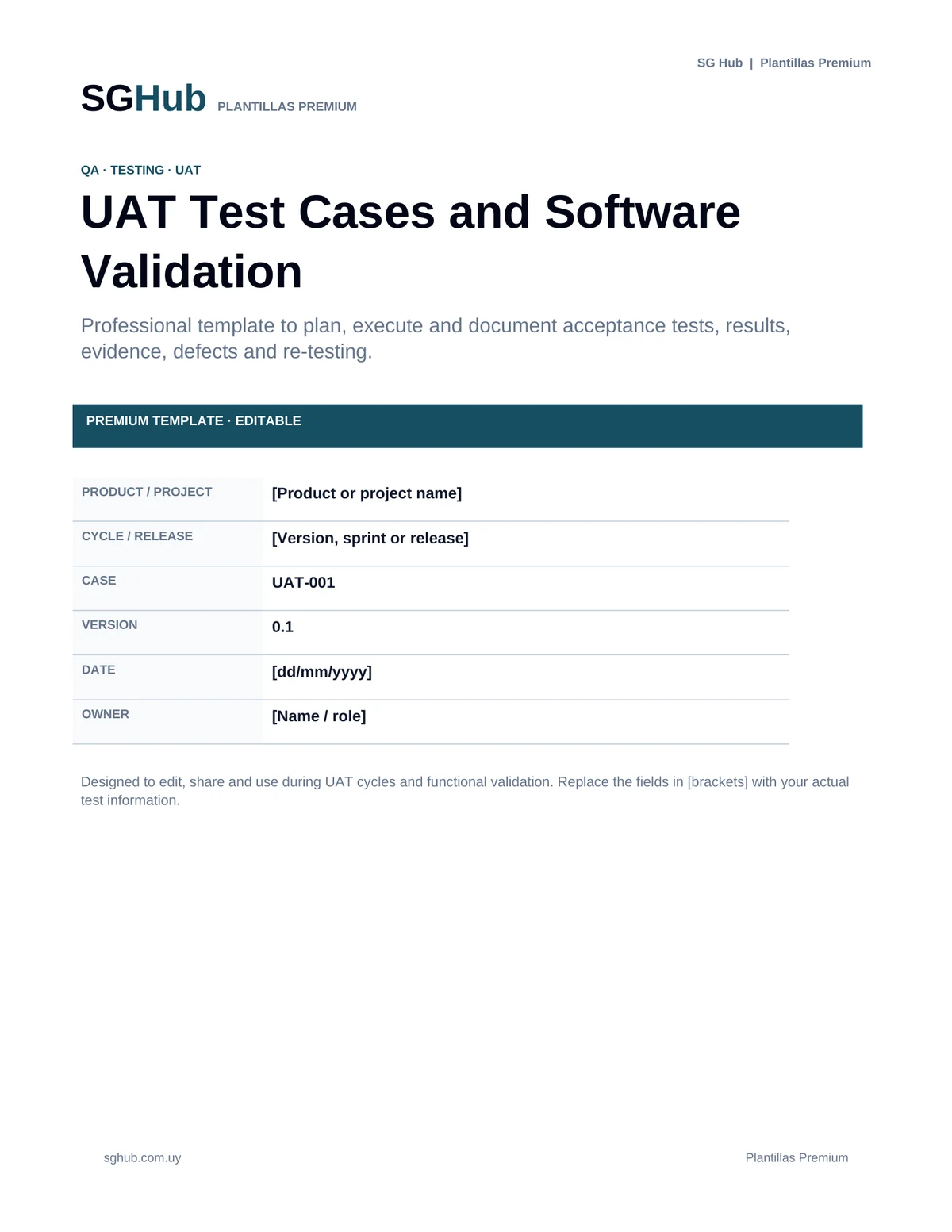
This template is designed to plan, execute and document User Acceptance Testing (UAT) and functional validation before releasing a feature or software version. Its structure helps connect each test with a requirement, user story or business process, define preconditions and test data, execute repeatable steps, and record results, evidence and defects. It supports business, QA, functional analysis and development teams in using clear criteria to determine whether a solution meets expectations.
Audience
Who is it for?
- ✓QA and testing teams that need to document functional tests and UAT in a structured way.
- ✓Functional Analysts and Business Analysts who validate that a solution meets defined requirements.
- ✓Key users and business representatives responsible for user acceptance testing.
- ✓Product Owners and product stakeholders who need evidence before approving a feature.
- ✓Developers who need reproducible information to analyze unexpected results or defects.
- ✓Project Managers and project leads who need visibility into validation status before production release.
Contents
What is included
- ✓Test case identifier, name, priority and status.
- ✓Reference to the requirement, user story or validated process.
- ✓Test objective and scope.
- ✓Preconditions required before execution.
- ✓Test data and user roles or profiles used.
- ✓Numbered and repeatable execution steps.
- ✓Expected result for each scenario.
- ✓Actual result recorded during execution.
- ✓Final status: passed, failed, blocked or pending.
- ✓Section for evidence, screenshots or references.
- ✓Record of discovered incidents or defects.
- ✓Defect severity, priority and notes when applicable.
- ✓Tester or owner and execution date.
- ✓Re-test result after a correction.
- ✓Final summary to support the acceptance decision.
Application
When to use this template
Validate a new feature before enabling it in production.
Execute UAT with key users or business representatives.
Confirm that a user story meets its acceptance criteria.
Record regression tests for critical processes after a change.
Document positive, alternative and error scenarios for a feature.
Create reproducible evidence when reporting a defect to development.
Track re-testing after an incident has been fixed.
Consolidate validation status for a release before approval.
Step by step
How to use it
Step 1
Define the test objective and link the case to the requirement, user story or process being validated.
Step 2
Identify the preconditions, environment, user, permissions and test data required before execution.
Step 3
Write concrete and numbered steps that another person can repeat without relying on implicit knowledge.
Step 4
Specify the expected result objectively so it can be compared with actual behavior.
Step 5
Execute the case using the defined steps and record the actual result without changing the expectation afterward.
Step 6
Mark the status as passed, failed, blocked or pending according to the execution result.
Step 7
Attach or reference evidence when useful, especially for failures or behavior that is difficult to reproduce.
Step 8
If you find a defect, record the information needed to reproduce it and link it to the test case.
Step 9
After a fix, repeat the case under the same relevant conditions and record the re-test result.
Step 10
At the end of the cycle, review pending or failed cases and use the summary to support the acceptance or release decision.
Customization
How to adapt it to your situation
- ✓Adapt statuses, priorities and severities to the terminology used by your team or management tool.
- ✓Use consistent identifiers such as TC-001 or UAT-001, or a convention connected to stories and requirements.
- ✓For long processes, split the flow into smaller test cases to simplify execution, maintenance and diagnosis.
- ✓Add browser, device, version or environment fields when behavior may vary across platforms.
- ✓If your team uses Jira, Azure DevOps or another tool, keep ticket references in the template and use it as acceptance evidence.
Important
What to review before using it
- ✓A test case should be reproducible: another person should be able to execute it and reach a comparable conclusion using the same information.
- ✓The expected result should be defined before execution to avoid adjusting expectations to observed behavior.
- ✓A blocked test is neither passed nor failed; the condition preventing execution should be identified.
- ✓In UAT, technical validation does not replace business acceptance when business approval is part of the organization’s defined process.
Avoid these
Common mistakes
- ✓Writing steps that are too general to reproduce the test consistently.
- ✓Failing to record test data or the user used when they affect the result.
- ✓Defining ambiguous expected results such as “works correctly”.
- ✓Changing the expected result after observing actual behavior.
- ✓Marking a case as passed without executing all relevant steps.
- ✓Failing to distinguish a functional failure from a case blocked by data, environment or dependencies.
- ✓Reporting a defect without reproduction steps or sufficient evidence.
- ✓Re-testing only the corrected point while ignoring relevant regression impact.
- ✓Losing traceability between the test case and the requirement or story it validates.
- ✓Closing a UAT cycle without reviewing failed, blocked or pending cases.
Final review
Checklist before finishing
- ✓The test case has a clear identifier and name.
- ✓It is linked to the appropriate requirement, story or process.
- ✓The test objective and scope are defined.
- ✓Preconditions are documented.
- ✓Required test data is identified.
- ✓Required user, role or permissions are specified when relevant.
- ✓Steps are concrete, numbered and reproducible.
- ✓The expected result is specific and verifiable.
- ✓Environment or version information is recorded when relevant.
- ✓The actual result has been documented.
- ✓The final status matches the execution result.
- ✓Required evidence is attached or referenced.
- ✓Discovered defects are linked to the test case.
- ✓Re-tests after a fix have been recorded.
- ✓Blocked cases include the reason they could not be executed.
- ✓Pending or failed cases were reviewed before closing the cycle.
Format
File details
Editable document designed for planning, executing and documenting UAT and functional software validation. It can be used as an individual test case record or adapted into a matrix containing multiple scenarios. The structure supports traceability to requirements or stories, test steps, data, results, defects and re-testing throughout an acceptance cycle.
Frequently asked questions
Before downloading
What does UAT mean?
UAT stands for User Acceptance Testing. Its purpose is to validate that a solution meets the needs and expected processes of users or business stakeholders before acceptance or release.
What is the difference between QA and UAT?
QA can include multiple testing levels and techniques focused on software quality. UAT specifically validates, from the user or business perspective, that the solution supports the expected processes and objectives.
What should a good test case include?
It should include a clear objective, preconditions, required data, reproducible steps and a verifiable expected result. Recording the actual result, evidence, status and related defects is also useful.
Who should execute UAT?
It depends on the project, but UAT commonly involves key users, business representatives, Product Owners or other people authorized to validate that the solution meets the real business need. QA and functional analysis can support preparation and execution.
What should I do if a test cannot be executed?
Mark it as blocked and document the reason, such as missing data, unavailable environment, pending dependency or insufficient permissions. It should not be marked as passed or failed if it could not actually be executed.
How should I report a defect found during UAT?
Record reproduction steps, expected result, actual result, test data, environment, evidence and severity or impact when relevant. Link the defect to the related test case and requirement.
Should a test be executed again after a defect is fixed?
Yes, when the defect affected that case. Re-testing confirms that the fix resolved the issue. Depending on the scope of the change, related regression testing may also be required.
Can I use this template for regression testing as well as UAT?
Yes. The test case structure, steps, data, results and evidence can also be used for functional and regression testing by adapting the fields to your team’s needs.
Editorial transparency
Resource prepared and reviewed by SG Hub
This page is designed to explain not only what you can download, but also when to use the resource and what to review before applying it in a real situation.