Web themesSaaS TemplatesFreeFree account required

SG SaaS Starter

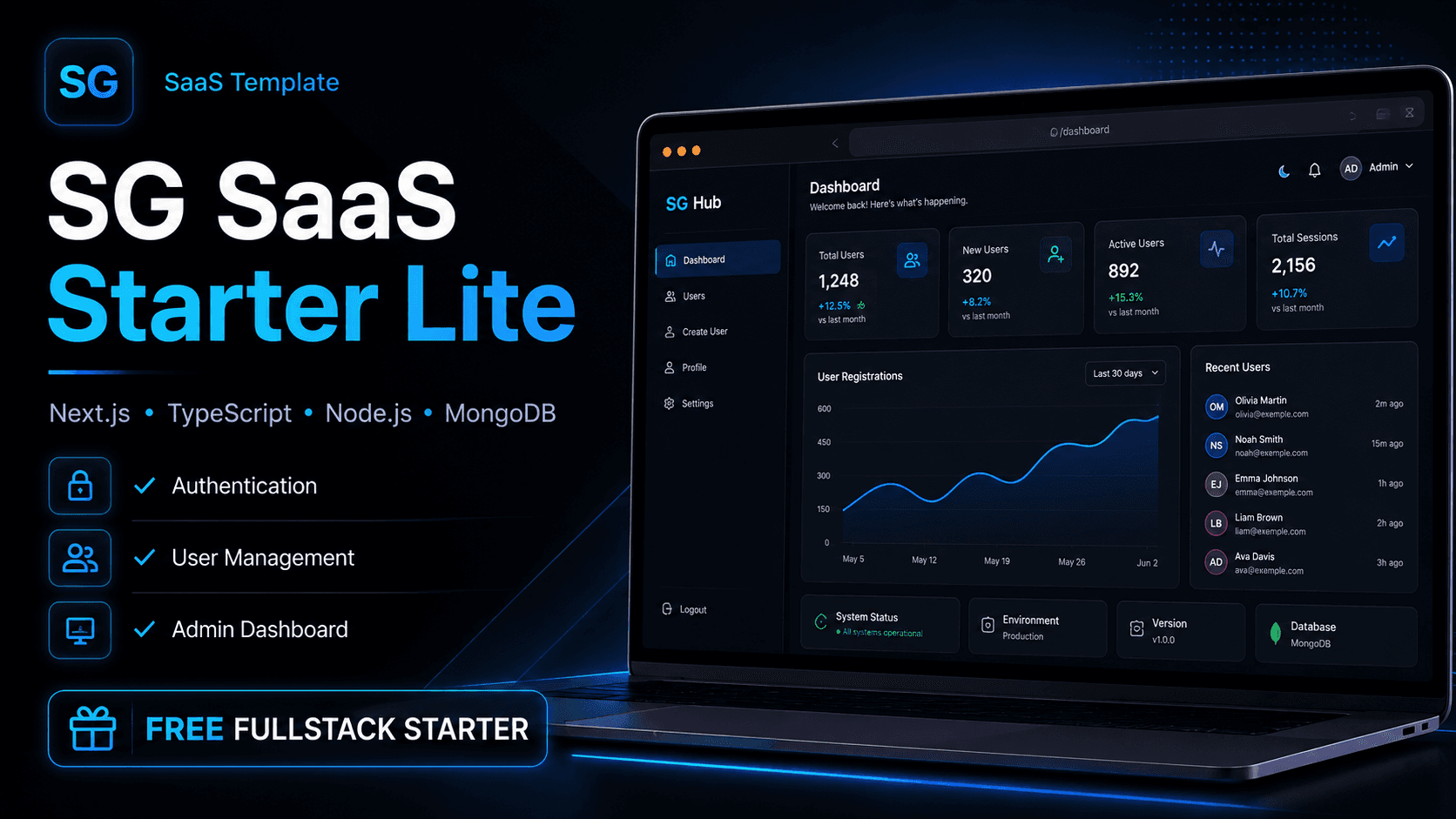
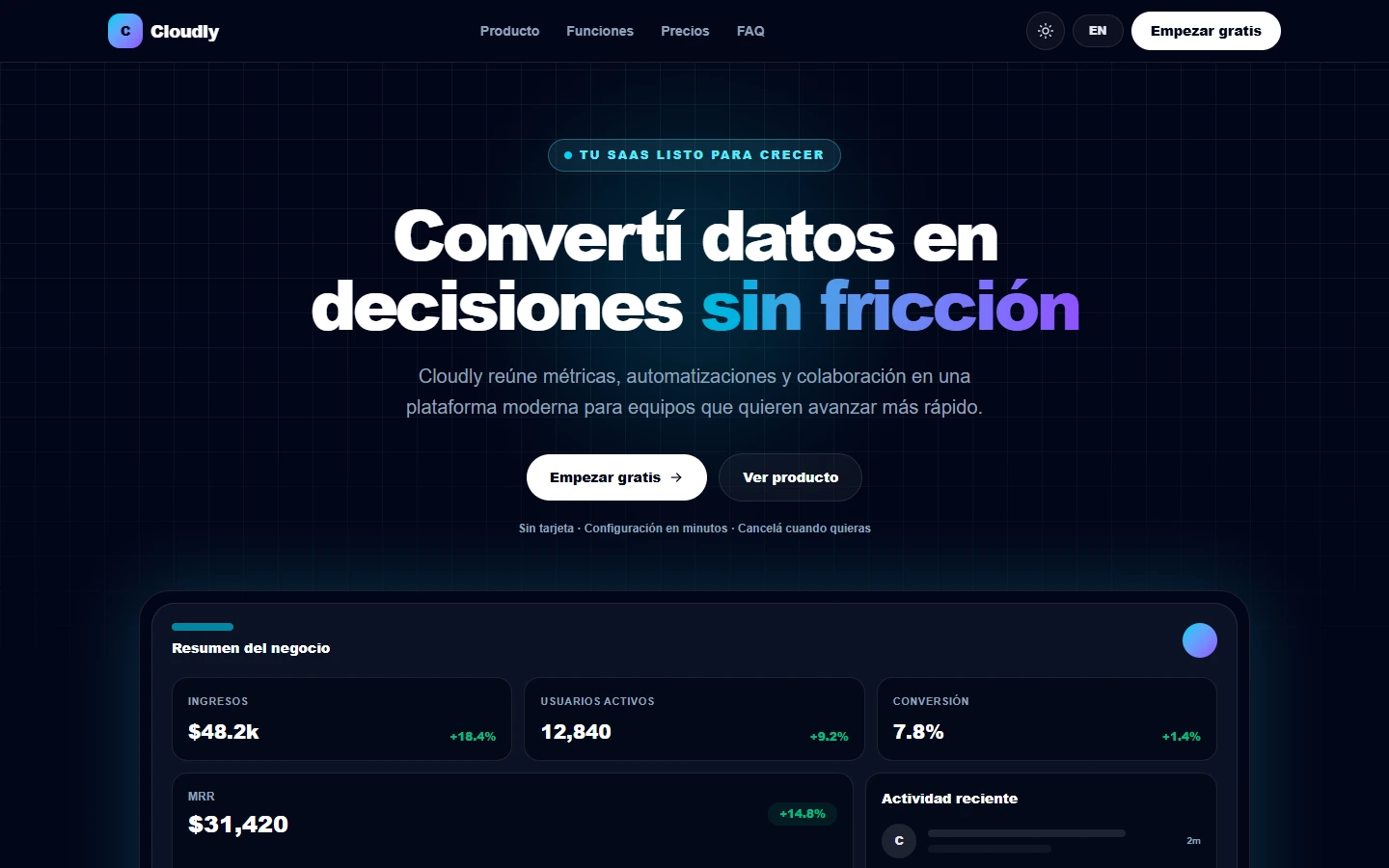
Fullstack SaaS starter kit with authentication, organizations, roles, realtime notifications, analytics dashboard and production-ready architecture.

8 downloads109 viewsSantiago Gretter Software Studio
Web themes

SaaS Templates

SG SaaS Starter

Download

Free

Create account

Description

SG SaaS Starter is a modern starter kit developed by Santiago Gretter Software Studio to create SaaS products, CRMs, admin dashboards, internal tools and B2B platforms. It includes a frontend built with Next.js, TypeScript, TailwindCSS and Recharts, plus a backend with Node.js, Express, MongoDB, Mongoose, JWT Auth and Socket.IO. It is designed for developers, freelancers and entrepreneurs who want to launch SaaS products or internal tools faster, with a modular base, multi-tenant-ready structure and production-oriented architecture.

What this resource includes

Frontend with Next.js, TypeScript, TailwindCSS and Recharts.
Backend with Node.js, Express, MongoDB, Mongoose, JWT Auth and Socket.IO.
JWT authentication and protected routes.
User management with roles, statuses, search, filters and pagination.
Multi-tenant base with organizations and workspace isolation.
Roles and permissions: admin, manager, member and viewer.
Realtime notifications with persistence and unread counter.
Activity logs with filters and CSV export.
Dashboard with KPIs, statistics, trends and charts.
Workspace settings with branding, logo, color, timezone and configuration.
Commercial UI with layouts, reusable components, modals, tables, empty states and toasts.
Demo seed data and environment variable examples.
Downloadable ZIP file.

How to use it

Step 1

Download the ZIP file.

Step 2

Extract the project on your computer.

Step 3

Open the folder in Visual Studio Code.

Step 4

Install dependencies in frontend and backend according to the project structure.

Step 5

Configure environment variables using the example files.

Step 6

Run the seed script to load demo data.

Step 7

Start frontend and backend locally.

Step 8

Log in with demo user admin@example.com and password 123456.

Step 9

Adapt modules, styles, permissions and business logic to your SaaS, CRM or dashboard.

Tags

saasstarter kitcrmadmindashboardnextjstypescripttailwindnodejsexpressmongodbmongoosejwtsocket.iomulti tenantsantiago gretter software studio

Digital resource

Free

Create account