Preview
Review the resource before downloading
Overview
What this template helps you solve
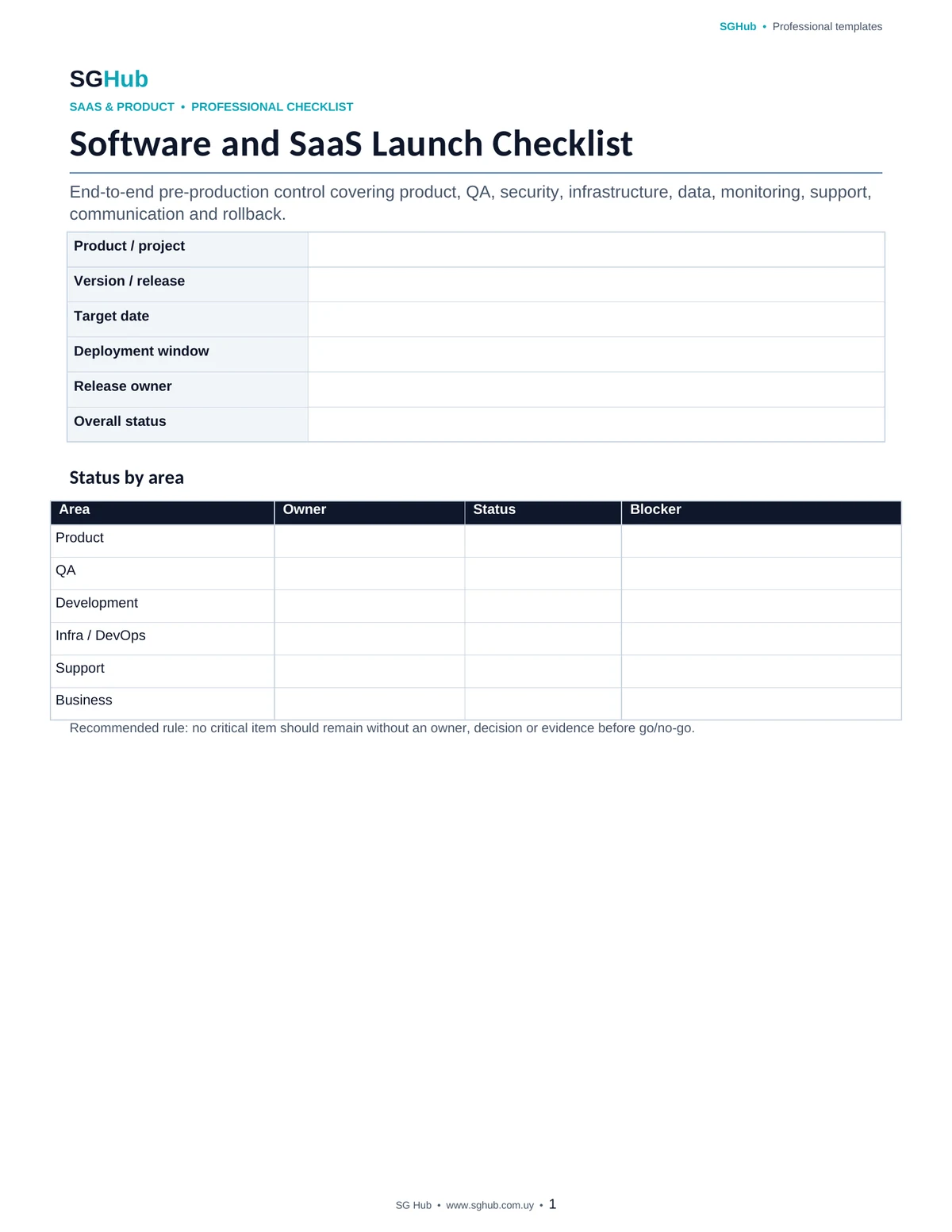
This template helps coordinate an end-to-end software launch through a structured pre-release review. It brings together the checks required before releasing a version: approved scope, completed testing, prepared data, monitoring availability, reviewed permissions, updated documentation, informed support teams, defined metrics and a ready rollback plan. It can be used for traditional releases, new features, MVPs, migrations or SaaS product launches.
Audience
Who is it for?
- ✓Product Managers and Product Owners responsible for coordinating launches.
- ✓Project Managers and project leads who need visibility into dependencies and ownership.
- ✓Development teams preparing releases and production deployments.
- ✓QA teams validating acceptance criteria and regression coverage.
- ✓DevOps, infrastructure and operations teams preparing environments, monitoring and rollback.
- ✓Small SaaS teams that need a complete guide before launching new versions.
Contents
What is included
- ✓Confirmation of scope and features included in the launch.
- ✓Validation of acceptance criteria and functional testing.
- ✓Regression review and open defect assessment.
- ✓Environment, configuration and variable verification.
- ✓Database, migration and backup checks.
- ✓Security, permissions and secret management review.
- ✓Monitoring, alerts and observability.
- ✓Analytics, event and product metric validation.
- ✓Updated technical and functional documentation.
- ✓Support and user assistance preparation.
- ✓Internal and external communication plan.
- ✓Deployment, rollback and contingency plan.
- ✓Owner and status for each verification.
- ✓Production release checklist.
- ✓Post-launch review.
Application
When to use this template
Launch a new application or SaaS product.
Release a major feature to production.
Coordinate a release involving multiple teams or dependencies.
Prepare an MVP launch.
Control a technical migration affecting users.
Validate an infrastructure or architecture change before production.
Prepare a mobile or web release with associated backend services.
Reduce omissions in repetitive deployments or manual release processes.
Step by step
How to use it
Step 1
Define the exact launch scope and record which features, fixes and changes are part of the release.
Step 2
Assign an owner to each checklist area so no control remains without responsibility.
Step 3
Review QA results, open defects and acceptance criteria before approving the release.
Step 4
Validate production configuration, variables, secrets, permissions, migrations and backups.
Step 5
Confirm that monitoring, alerts, logs and dashboards are available before deployment.
Step 6
Verify analytics events and metrics that will be used to measure behavior after launch.
Step 7
Make sure support, business and involved teams understand the scope, risks and release window.
Step 8
Document the deployment procedure and an executable rollback if the outcome is not as expected.
Step 9
Run a final go/no-go review before starting the launch.
Step 10
After deployment, perform post-release checks and record any remaining actions.
Customization
How to adapt it to your situation
- ✓Remove sections that do not apply and add controls specific to your architecture, industry or approval process.
- ✓Add owner, date, status and evidence columns when the launch requires auditability or traceability.
- ✓For frequent releases, turn the checklist into a repeatable template and update it based on incidents or lessons learned.
- ✓Include specific checks for App Store, Google Play, DNS, CDN or external vendors when they are part of the launch.
- ✓If you use feature flags, add owners, activation conditions and a deactivation procedure.
Important
What to review before using it
- ✓A checklist does not replace testing, technical review or professional approval; its purpose is to make sure required checks are not omitted.
- ✓Open defects should be evaluated by impact and risk before launch, not only by quantity.
- ✓A rollback plan should be executable and understood by the team before deployment.
- ✓Never store real secrets, tokens or credentials inside a shared launch document.
Avoid these
Common mistakes
- ✓Defining release scope ambiguously or changing it without updating the checklist.
- ✓Marking a control complete without an owner or evidence.
- ✓Reaching launch time with critical defects that still lack an explicit decision.
- ✓Running database migrations without backup or recovery procedures.
- ✓Failing to validate production-specific environment variables, secrets or permissions.
- ✓Setting up monitoring after deployment instead of having it ready beforehand.
- ✓Failing to inform support teams about user-visible changes.
- ✓Depending on a single person to execute or roll back the launch.
- ✓Failing to define objective go/no-go criteria.
- ✓Finishing the release without post-production validation.
Final review
Checklist before finishing
- ✓Launch scope is confirmed.
- ✓Included features are documented.
- ✓Acceptance criteria have been validated.
- ✓QA completed the required testing.
- ✓Open defects have been assessed.
- ✓Production variables have been reviewed.
- ✓Permissions and secrets are controlled.
- ✓Database migrations are prepared.
- ✓A backup or recovery strategy exists when required.
- ✓Monitoring and alerts are active.
- ✓Analytics events have been verified.
- ✓Documentation is up to date.
- ✓The support team has been informed.
- ✓The deployment procedure is documented.
- ✓Rollback is prepared.
- ✓Owners understand the schedule and their responsibilities.
- ✓Go/no-go criteria are defined.
- ✓A post-release validation plan exists.
Format
File details
Editable document organized by launch areas covering product, QA, infrastructure, security, data, analytics, support, documentation, deployment and contingency. It can be used as the main checklist for a release or adapted to recurring processes by adding owners, dates, statuses and evidence for each verification.
Frequently asked questions
Before downloading
When should I start using the launch checklist?
It is best to start during release preparation rather than minutes before deployment. This allows the team to identify dependencies, missing work and decisions that need time to resolve.
Who should own the checklist?
It can be coordinated by Product, Project Management, Release Management or a technical lead depending on the organization. The important point is that every verification has a clear owner.
What is a go/no-go decision?
It is the final decision to continue or stop the launch based on predefined criteria such as QA status, critical defects, team availability, monitoring readiness and rollback capability.
Which defects can be accepted before launch?
It depends on the product and risk. Defects should be assessed by severity, impact, likelihood and availability of a workaround. Any decision to accept a defect should be documented.
Is rollback mandatory?
Whenever technically possible, having a strategy to return to a stable state is recommended. For non-reversible changes, an alternative recovery or mitigation strategy should exist.
Does validation end when deployment finishes?
No. After deployment, critical functionality, metrics, logs, alerts, errors and user behavior should be reviewed to confirm that the version is operating correctly in production.
Can I use this template for a mobile app?
Yes. You can add checks for Android and iOS versions, store review, signing, release tracks, compatibility, required backend versions and service availability.
Can the checklist be reused for every release?
Yes. Maintaining a reusable checklist helps improve the process over time by incorporating controls learned from incidents, postmortems and previous launches.
Editorial transparency
Resource prepared and reviewed by SG Hub
This page is designed to explain not only what you can download, but also when to use the resource and what to review before applying it in a real situation.